Title Plant Solutions: Alphamax 3
Speed title examination with data and documents side-by-side. Native Operating System integration. Built, hosted, and maintained by DSI.
Data and documents, side-by-side
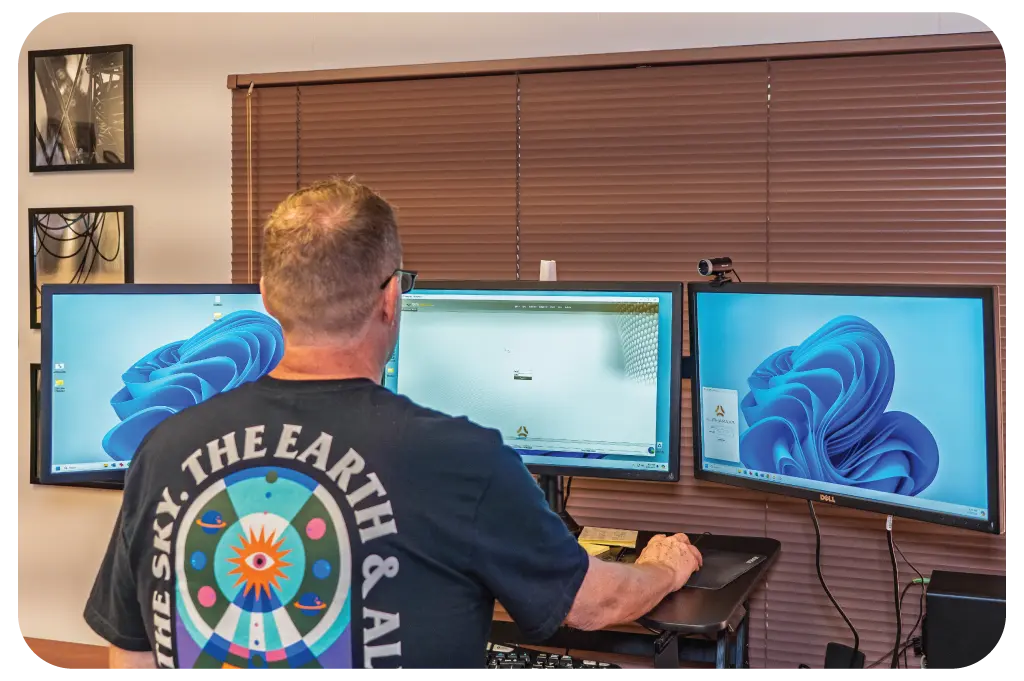
Alphamax 3 is a lightweight desktop application that gives title examiners and searchers instant access to property index data and recorded documents in a single split-screen view. Built and maintained by DSI's in-house engineering team, Alphamax 3 integrates natively with your Operating System to eliminate duplicate data entry and accelerate title production workflows.
Whether you're searching a single-county plant or managing multi-state operations, Alphamax 3 provides the speed, accuracy, and integration capabilities that independent title agencies need to compete without the overhead of building their own technology. DSI builds, hosts, and maintains title plants in any county, or converts your existing plant into Alphamax 3 - built in Tucson since 1985.
Related Products
uptime SLA for Alphamax 3 hosting
Core Capabilities
Split-Screen Title Examination
View title plant index data alongside recorded images without switching applications or browser tabs. Grantor-grantee chains, legal descriptions, and instrument details stay visible while you review deeds, mortgages, and releases.
Operating System Integration
Native, two-way integration eliminates duplicate data entry between Alphamax 3 and your Operating System. Property data flows automatically into your open files without re-keying a single field.
Anywhere Access
Alphamax 3 is a desktop application, not a web portal, which means faster performance, offline capability for cached data, and no browser compatibility issues. Access title plants from office workstations, home offices, or remote locations.
GIS Maps & ARBs Built In
Digital GIS maps and Abstract Reference Books are embedded directly in the platform. Legal descriptions convert into parcel polygons that overlay property boundaries, subdivisions, and geographic features.
Base Viewer
Quick access to historical bases, starter files, and archived documents that exist outside the main title plant repository, without leaving the Alphamax 3 interface.
Integration with Older Systems
Alphamax 3 connects to legacy title plant databases, starter file repositories, and document management systems through flexible APIs and data connectors.
Examiners Work Faster
- No toggling between the document viewer and the index screens
- Instrument images load instantly as you click through chains
- Search results remain visible while examining source documents
- Custom notes and flags stay attached to specific index entries
How Operating System Integration Saves Time
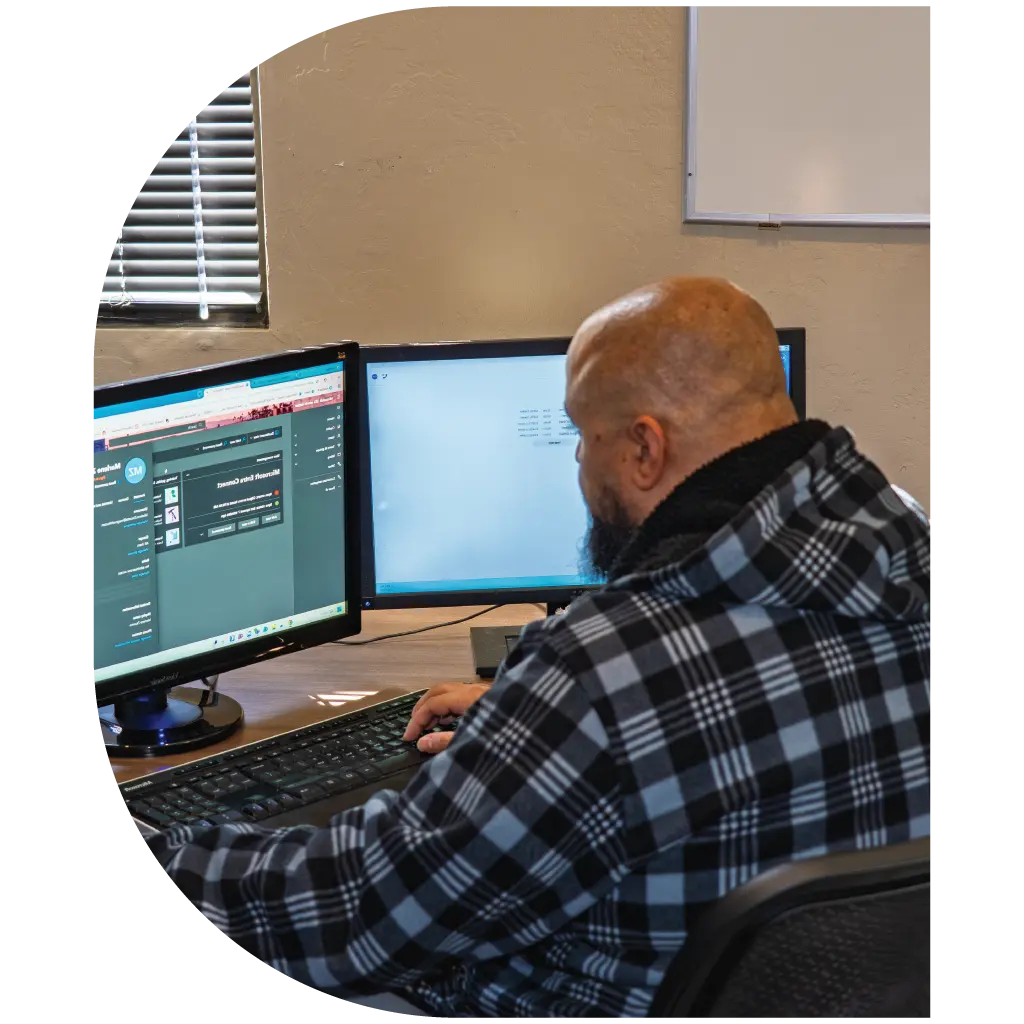
One-click order flow between your Operating System and Alphamax 3 eliminates hours of manual data entry per file. Open a property search directly from your Operating System with all order details - address, parcel number, legal description - populated automatically.
Your Operating System → Alphamax 3
Click one button. Alphamax 3 launches with property data pre-filled. No copy-paste. No re-typing.
Alphamax 3 → Your Operating System
Share vesting information, legal descriptions, tax data, and exception documents back with a single click - eliminating the transcription errors that cause recording rejections and underwriter exceptions.
Anywhere Access, Any Time
Technical advantages of a native desktop application over a browser-based portal:
Base Viewer: Historical Document Access
Base Viewer connects to legacy starter file systems and document archives, older title plant databases maintained for historical reference, scanned document collections from previous plant conversions, and third-party document repositories and county image systems.
Many title agencies have decades of data and starter files in older systems. Instead of maintaining multiple applications, Base Viewer brings these historical resources directly into the Alphamax 3 interface so examiners can:
- Pull decades-old starter files for complex title curative work
- Access pre-conversion plant data alongside modern Alphamax records
- Review historical bases for complicated chain-of-title issues
Title Plant Build, Conversion & Maintenance
DSI builds title plants from scratch in any county, converts your existing plant data into Alphamax 3, and handles ongoing population and maintenance. Our Tucson-based data team uses double-blind keying and quality control to maintain near-zero indexing error rates.
Title Plant Conversion
DSI converts existing title plants from legacy platforms into modern Alphamax 3 systems, migrating index data, document images, legal descriptions, and custom fields while preserving historical integrity. Includes data mapping and validation testing, image repository integration, custom field configuration, staff training, go-live support, and post-conversion quality audits. Typical timeline: 60-90 days from kickoff to full production use.
New Title Plant Builds
DSI builds complete title plants in any U.S. county. Our Tucson data team keys historical instruments using double-blind methodology, integrates county GIS maps, and establishes ongoing maintenance workflows, including historical depth analysis spanning multiple decades of county records, document sourcing, and quality control validation targeting a sub-0.25% error rate. Build timeline varies by county size and historical depth, typically 6-12 months.
Ongoing Plant Maintenance
DSI hosts and maintains title plants with daily updates, continuous quality monitoring, and technical support. Our data team keys new recordings, posts tax changes, updates GIS layers, and resolves indexing questions - hosted on SOC 2-compliant infrastructure with a 99.95% uptime SLA, backup and disaster recovery, and dedicated account management.
Integration with Older Systems
Import bases and starter files into active orders, link to archived images in separate repositories, pull tax assessor data from county systems, and connect to third-party document signing platforms - so examiners access everything from a single interface without abandoning existing investments.
Who Uses Alphamax 3?
Independent Title Agencies
Scale examination capacity without adding overhead. Operating System integration and a hosted plant option eliminate IT burden.
Multi-County Operations
Manage multiple title plants from a single interface. Examiners switch between counties without changing applications or workflows.
Settlement Companies
Access title data during escrow production. Share information seamlessly between the title and closing departments.
Real Estate Law Firms
Conduct title research for real estate transactions and litigation, and export search results and exception documents for court filings.
Implementation Process
Discovery & Planning
Weeks 1-2
- Workflow analysis and integration requirements
- Data assessment for an existing plant or new build
- Infrastructure review of network, VPN, and workstations
- Project timeline and milestone agreement
Configuration & Testing
Weeks 3-6
- Alphamax 3 installation and customization
- Operating System integration setup and testing
- User access configuration
- Data migration for converting an existing plant
Training & Go-Live
Weeks 7-8
- Examiner training sessions, remote or on-site
- Parallel testing with existing systems
- Go-live cutover and monitoring
- Post-launch support and optimization
Technical Specifications
Support, Training & Pricing
Included with Alphamax 3:
- Initial examiner training, remote and on-site options
- Phone and email support during business hours, 7 AM – 5 PM MST
- Software updates and enhancements
- Access to DSI's engineering team for troubleshooting
- Online knowledge base and user guides
Same-day acknowledgment for support requests; critical issues are escalated immediately to senior engineering staff.
Pricing varies based on examiner seats, title plant hosting (DSI-hosted vs. self-hosted), plant services (conversion, new build, or maintenance), and integration requirements beyond standard Operating System connectivity.
Why Choose Alphamax 3
Title Plants Built, Hosted & Maintained by DSI
DSI builds title plants from scratch in any county, converts your existing plant data into Alphamax 3, and handles ongoing population and maintenance. Our in-house data team uses double-blind keying and quality control to maintain near-zero indexing error rates.
Request a Demo